
The Sims 3
- Released
- 2009
- Developer
- The Sims Studio
- Publisher
- Electronic Arts
Screenshots and trailers
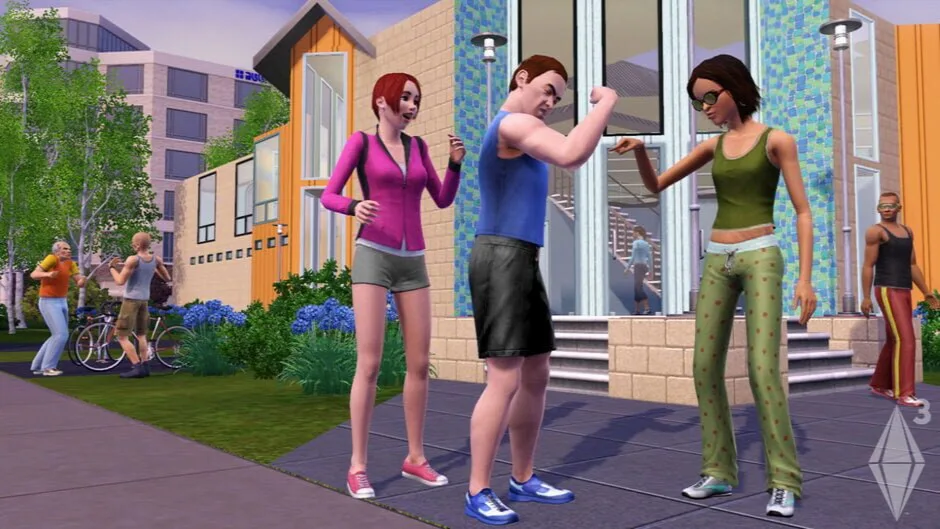
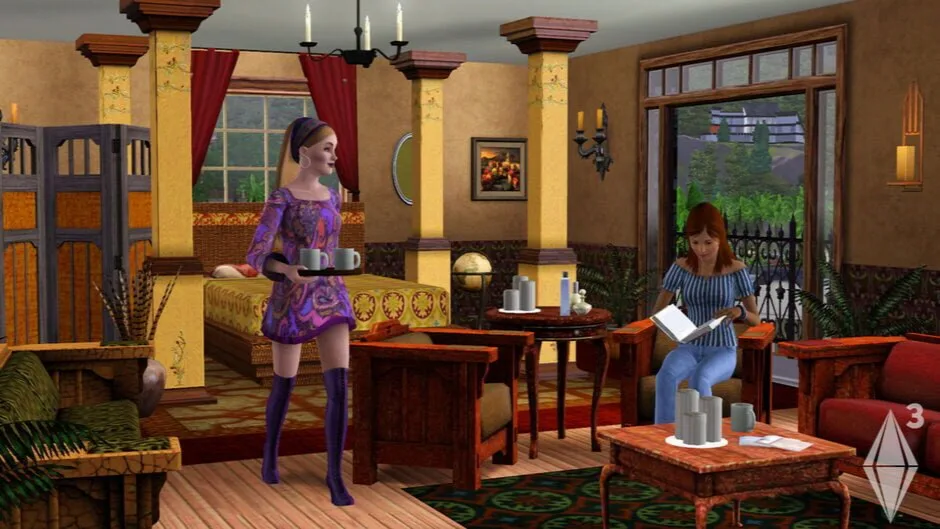
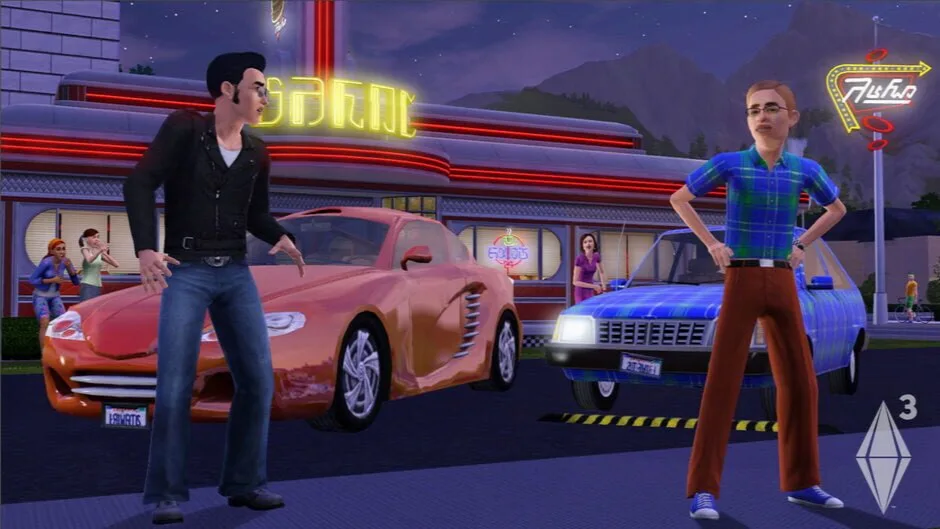

About the game
In The Sims 3, you can create Sims with unique personalities, fulfill their desires, and control their lives within a customizable living neighborhood. Unlock all-new Karma Powers and unleash them on your Sims: help your Sim get lucky with the power of "love connector", bless them with the power of "age defiler" or "instant beauty" or curse them with an "instant enemy". Use these powers wisely, because they may have unexpected results! As you guide your Sims through life, you can complete challenges to unlock additional items, new buildings and landmarks.
- Game modes
- Single player
- Perspectives
- Bird view or isometric
-

ACBAustralia -

ESRBNorth America -

PEGIEurope
More age ratings
- CEROC
- USK6
Content descriptors
- CEROC
-
- Love
- Sexual Content
- ESRBT
-
- Comic Mischief
- Crude Humor
- Sexual Themes
- Violence
- Mild Violence
- PEGI12
-
- Violence
- Sex
Original game languages
Language support recorded by IGDB. Included languages may differ between releases: check each download.
- Traditional Chinese
- Interface
- Czech
- Interface
- Danish
- Interface
Show 19 more languages
- Dutch
- Interface
- English (US)
- Interface
- Finnish
- Interface
- French (France)
- Interface
- German
- Interface
- Hebrew
- Interface
- Hungarian
- Interface
- Italian
- Interface
- Japanese
- Interface
- Korean
- Interface
- Norwegian Bokmål
- Interface
- Polish
- Interface
- Brazilian Portuguese
- Interface
- Portuguese (Portugal)
- Interface
- Russian
- Interface
- Spanish (Mexico)
- Interface
- Spanish (Spain)
- Interface
- Swedish
- Interface
- Thai
- Interface
System requirements
Original game requirements provided by Steam.
The Sims™ 3
Minimum requirements
- OS *: Windows XP (Service Pack 2) or Windows Vista (Service Pack 1)
- Processor: (XP) 2.0 GHz P4 processor or equivalent; (Vista) 2.4 GHz P4 processor or equivalent
- Memory: (XP) 1 GB; (Vista) 1.5 GB
- Graphics: 128 MB Video Card with support for Pixel Shader 2.0
- DirectX®:
- Hard Drive: At least 6.5 GB of hard drive space with at least 1 GB additional space for custom content
- Sound:
- Built-in Graphics:
- Intel Integrated Chipset, GMA X3000 or above.
- 2.6 GHz Pentium D CPU, or 1.8 GHz Core 2 Duo, or equivalent
- 0.5 GB additional RAM
- Supported Video Cards:Nvidia GeForce series: FX5900 or greater, G100, GT 120, GT 130, GTS 150, GTS 250, GTX 260, GTX 275, GTX 280, GTX 285, GTX 295; ATI Radeon™ series: ATI Radeon 9500 series of greater, X300, X600, X700, X800, X850, X1300, X1600, X1800, X1900, X1950, 2400, 2600, 2900, 3450, 3650, 3850, 3870, 4850, 4870 series or greater; Intel® Graphics Media Accelerator (GMA): GMA 3-Series, GMA 4-Series
- *Please note that the GeForce 6100 and 7100 cards are not supported
Releases and files
Releases and sources
Check the source, release and languages before downloading.
How to downloadv1.67.2.024037
The Sims 3: Complete Edition v1.67.2.024037 + All Add-ons & Content Store Items
- Game version
- v1.67.2.024037
- Languages included in this repack
- RUS/ENG/MULTI21
Release details
Source notes
Information published by FitGirl Repacks, in its original language. This is not a safety guarantee.
- Based on v1.67.2.024037 Steam release with removed world caches: 21.3 GB – thanks to anadius!
- All add-ons are included and activated
- Complete Content Store Items Collection (8.4 GB) by Games4theworld added
- Overwatch & ErrorTrap mods, DLC Toggler/Uninstaller and FPS Limiter/3Booter utilities added
- 100% Lossless & MD5 Perfect: all files are identical to originals after installation
Show 10 more notes
- NOTHING ripped, NOTHING re-encoded
- Selective Download feature: you may skip downloading and installing of Complete Content Store Items Collection
- Significantly smaller archive size (compressed from cumulative 29.7 to 10.8/15.4 GB)
- Installation takes (main game without Store Items): ~40 minutes on 8-threads CPU; ~1 hour 20 minutes on 4-threads CPU. Installation of Store Items will take another 7-15 minutes
- After-install integrity check so you could make sure that everything installed properly
- HDD space after installation: 22 GB (+9 GB on a system drive in case of installing of Store Items content)
- If you install the game with Store Items, after installation you must manually check and install all items/worlds/maps you want from the official game launcher (Downloads section in the launcher menu)
- Use corresponding .REG-files in the “_Language Changer” folder to change the game language
- You can manually copy Overwatch & ErrorTrap mods from _Mods folder after installation in case of problems
- At least 2 GB of free RAM (inc. virtual) required for installing this repack