
GamesTorrents
GamesTorrents, one tap away
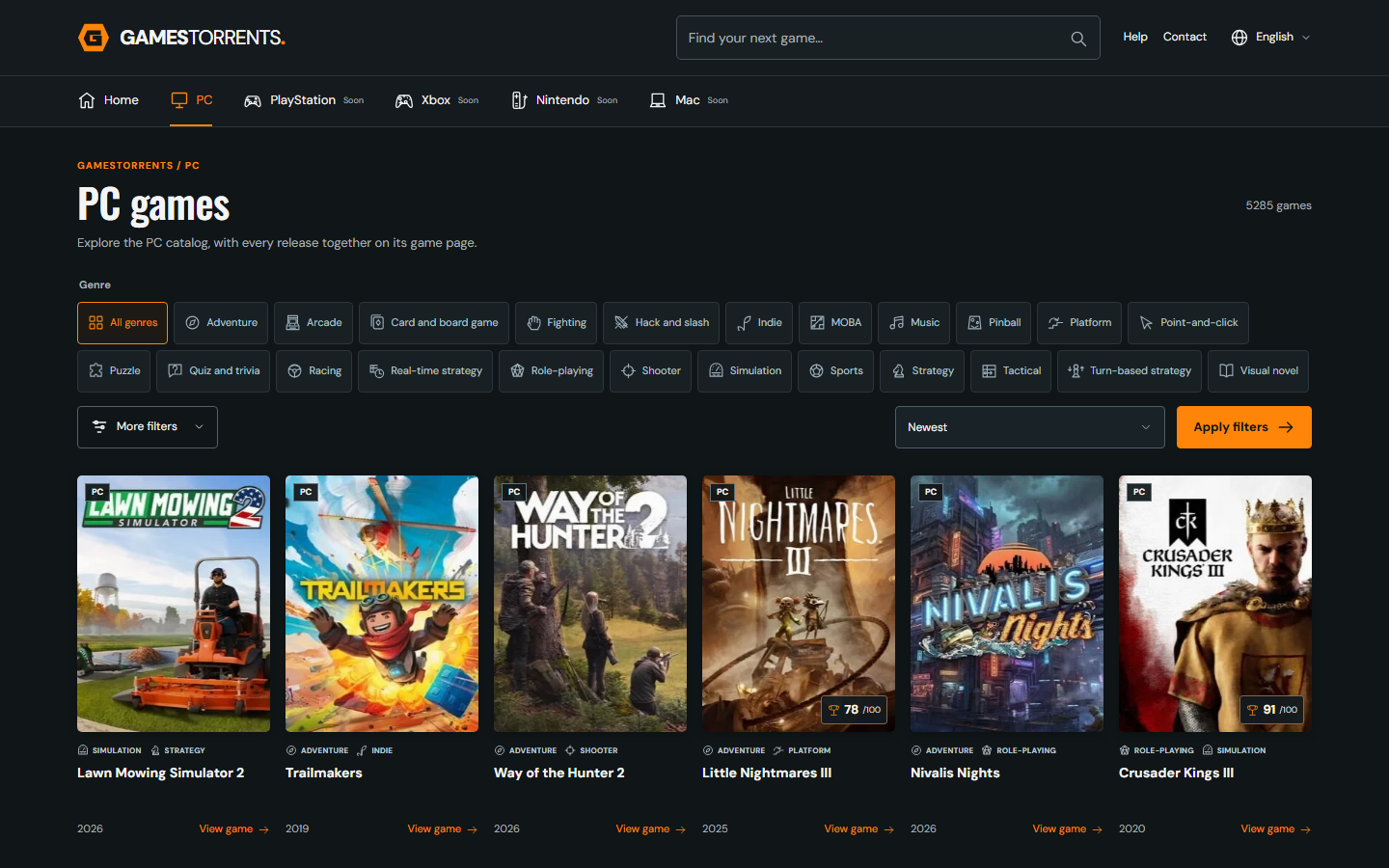
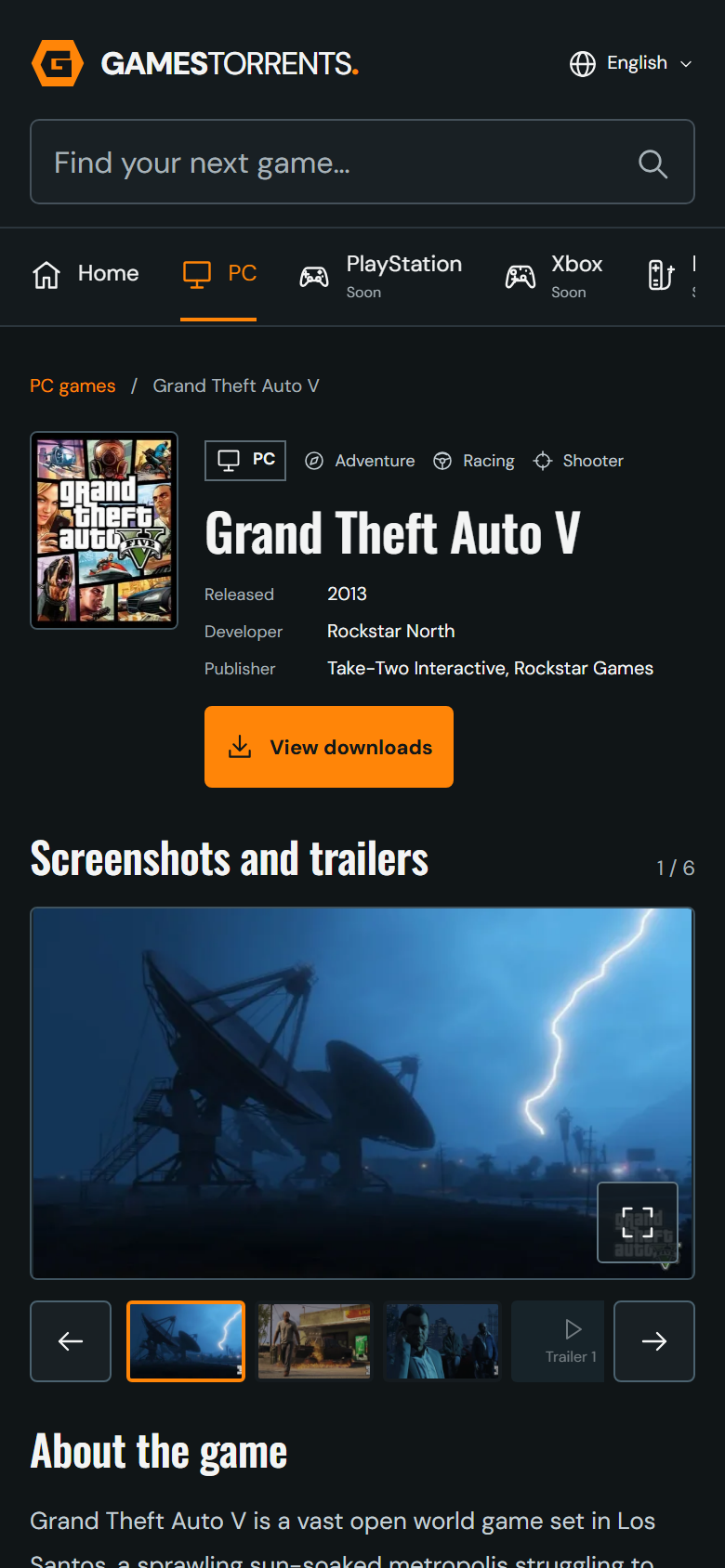
Keep the catalog on your home screen or desktop. Find your next game and open its page in a window of its own.
- An icon for quick access
- The catalog, search and game pages
- Ten languages, with your choice remembered
How to install
The steps depend on your browser and device.
Open your browser menu and look for Install app or Add to home screen. If that option is missing, you can bookmark the website and keep using it normally.
In Safari, tap Share, then Add to Home Screen. If Open as Web App appears, keep it enabled and tap Add. If your current browser does not show the option, open this page in Safari.
In Safari, open File and choose Add to Dock. If that option is missing, update Safari or bookmark the website.
Open your browser menu and choose Install app or Add to Home screen when available. Confirm to add the GamesTorrents icon.
An internet connection is needed for the catalog, images and downloads. Installing the app does not download games or replace your torrent client.
More about the app