
Champions of Anteria
- Released
- 2016
- Developer
- Blue Byte
Screenshots and trailers

About the game
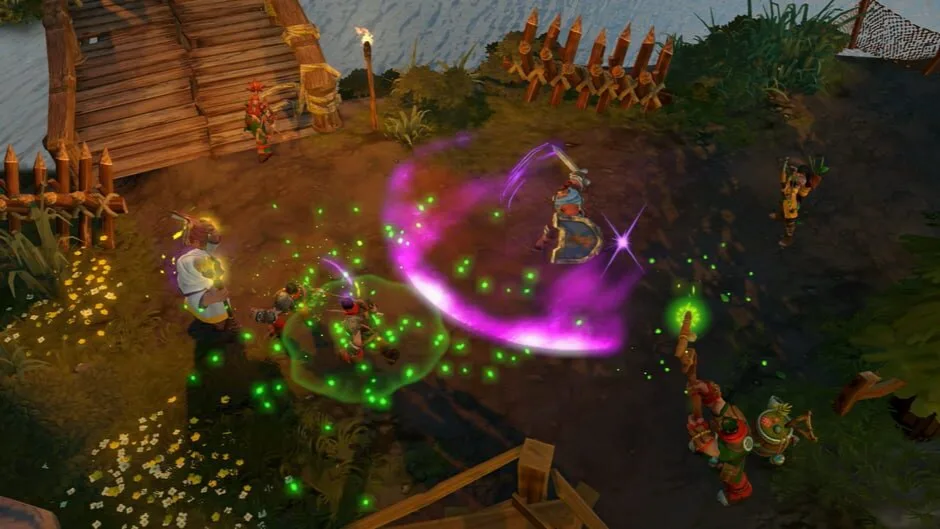
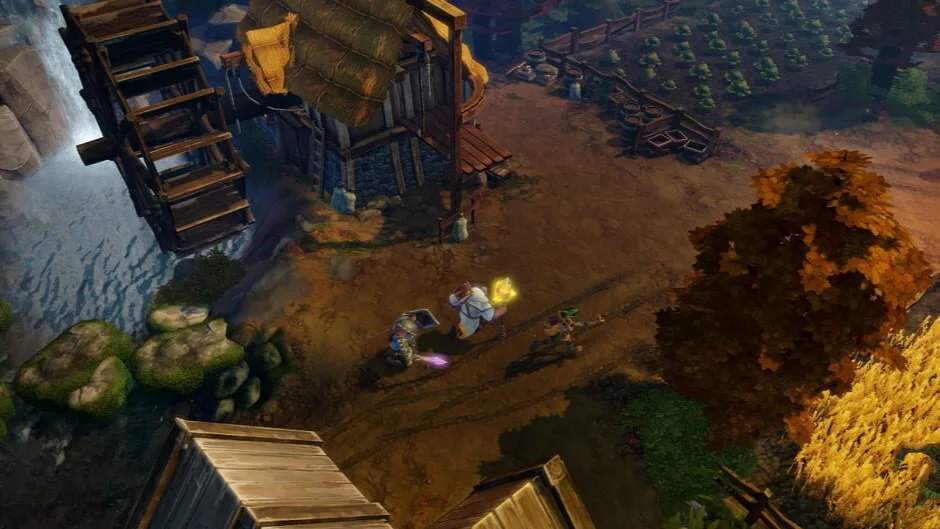
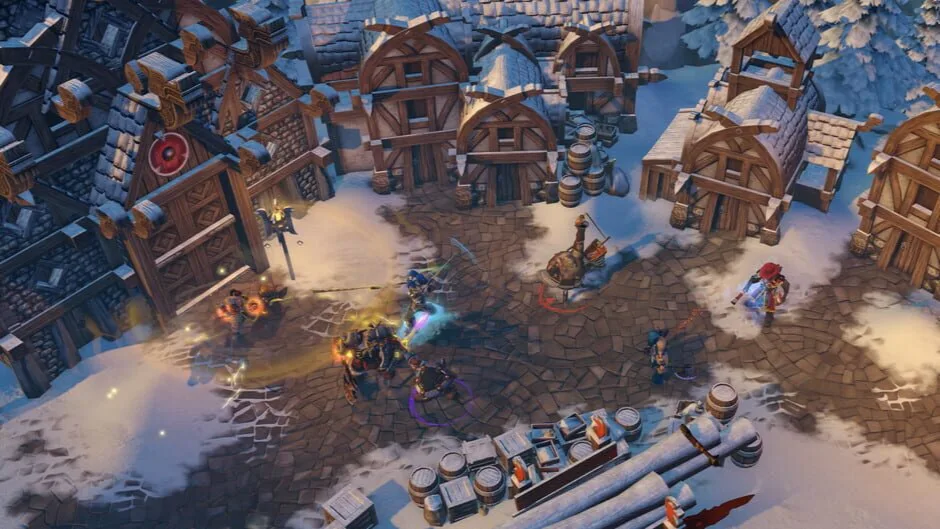
Champions of Anteria is an epic real-time strategy extravaganza invites you to unleash the powers of five Champions to defeat the enemy, reclaim the kingdom, and make it back home in time for dinner.
- Game modes
- Single player
- Perspectives
- Bird view or isometric
- Themes
- Fantasy
-

ESRBNorth America
Content descriptors
- ESRBE10+
-
- Alcohol Reference
- Comic Mischief
- Fantasy Violence
- Suggestive Themes
- Mild Language
Original game languages
Language support recorded by IGDB. Included languages may differ between releases: check each download.
- Simplified Chinese
- SubtitlesInterface
- English (US)
- AudioSubtitlesInterface
- French (France)
- AudioSubtitlesInterface
Show 5 more languages
- German
- AudioSubtitlesInterface
- Italian
- SubtitlesInterface
- Polish
- AudioSubtitlesInterface
- Russian
- AudioSubtitlesInterface
- Spanish (Spain)
- SubtitlesInterface
Releases and files
Releases and sources
Check the source, release and languages before downloading.
How to downloadv1.7.499537.X
Champions of Anteria v1.7.499537.X + All DLCs
- Game version
- v1.7.499537.X
- Languages included in this repack
- RUS/ENG/MULTI7
Release details
Source notes
Information published by FitGirl Repacks, in its original language. This is not a safety guarantee.
- Based on Champions.of.Anteria.MULTi6-PLAZA ISO release: plaza-champions.of.anteria.iso (9,562,161,152 bytes)
- All DLCs included and activated
- Missing Russian voiceovers added (42 MB)
- 100% Lossless & MD5 Perfect: all files are identical to originals after installation
- NOTHING ripped, NOTHING re-encoded
Show 6 more notes
- Selective download feature: you can skip downloading and installing of voiceover packs you don’t need
- Smaller archive size (compressed from 8.9 to 6.8 GB for any single language)
- Installation takes 12-30 minutes (depending on your system)
- After-install integrity check so you could make sure that everything installed properly
- HDD space after installation: 10 GB (~13 GB during installation)
- If you want to switch the game to Russian, copy CODEX.rus-eng in game root to CODEX.ini, then select Russian in game menu. To reverse it back, copy CODEX.multi6 to CODEX.ini