
Tales of Xillia Remastered
- Lançamento
- 2025
- Desenvolvedor
- Dokidoki Grooveworks
- Publicadora
- Bandai Namco Entertainment
Imagens e trailers
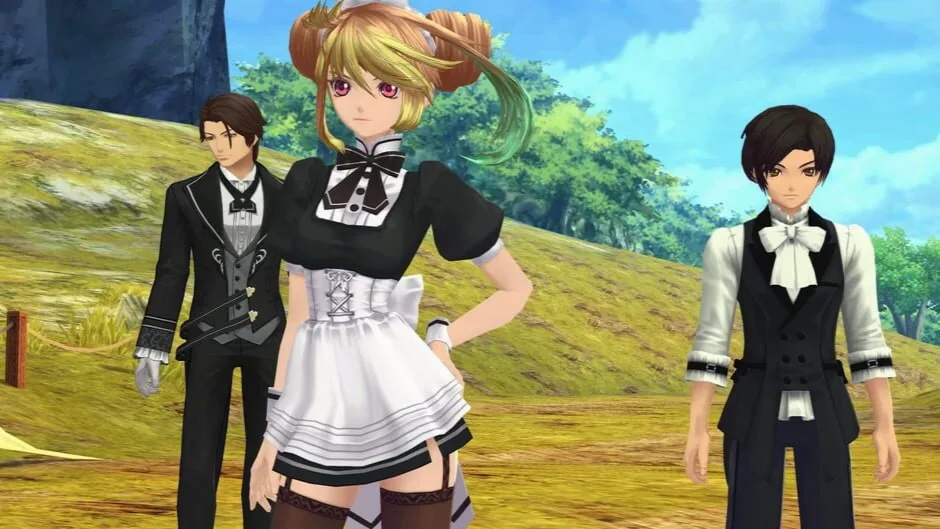
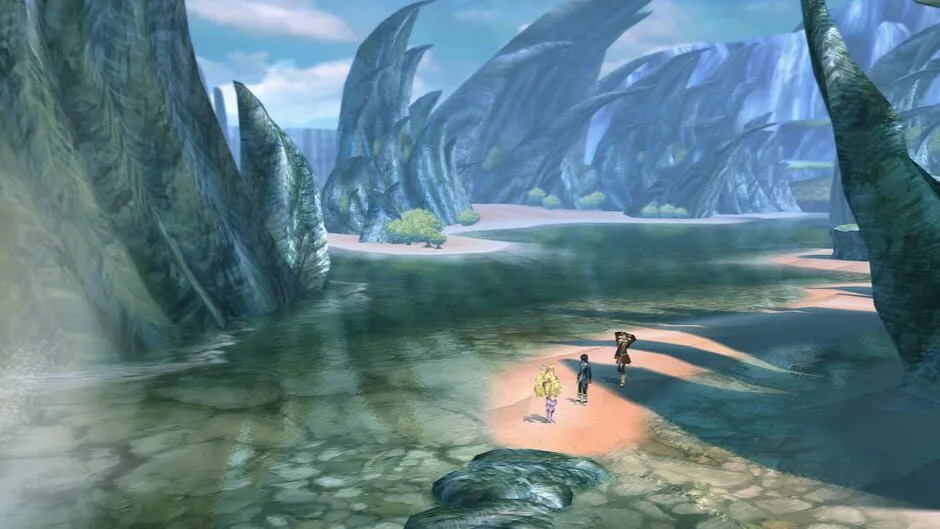
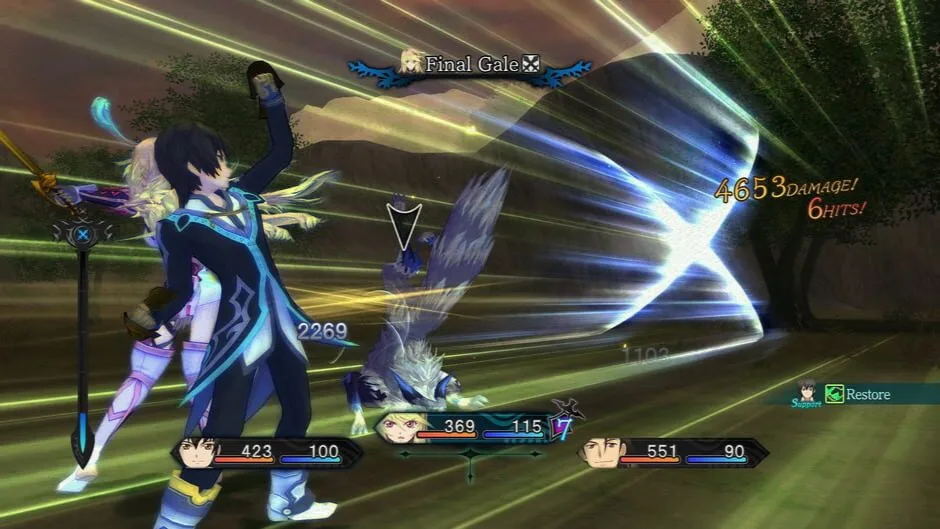

Sobre o jogo
Viva a experiência de Tales of Xillia, remasterizado pela primeira vez na história.
Mergulhe no magnífico mundo de Rieze Maxia na pele de Jude Mathis, um aspirante a estudante de medicina da capital, ou de Milla Maxwell, uma mulher misteriosa acompanhada por quatro espíritos poderosos.
Mergulhe no magnífico mundo de Rieze Maxia na pele de Jude Mathis, um aspirante a estudante de medicina da capital, ou de Milla Maxwell, uma mulher misteriosa acompanhada por quatro espíritos poderosos.
- Modos de jogo
- CooperativoMultijogadorUm jogador
- Perspectivas
- Terceira pessoa
-

ACBAustrália -

ESRBAmérica do Norte -

PEGIEuropa
Mais classificações
- CEROB
- CLASS_IND14
- GRAC12+
- USK12
Descritores de conteúdo
- CEROB
-
- Sexual Content
- Violence
- Crime
- CLASS_IND14
-
- Violência (Violence)
- Conteúdo Sexual (Sexual Content)
- Drogas Lícitas (Legal Drugs)
- ESRBT
-
- Blood
- Language
- Sexual Themes
- Use of Alcohol
- Violence
- GRAC12+
-
- Sexuality
- Violence
- PEGI12
-
- Violence
- Sex
Idiomas do jogo original
Suporte a idiomas registrado no IGDB. Os idiomas incluídos podem variar entre versões: confira cada download.
- chinês simplificado
- LegendasInterface
- chinês tradicional
- LegendasInterface
- inglês (EUA)
- ÁudioLegendasInterface
Ver mais 7 idiomas
- francês (França)
- LegendasInterface
- alemão
- LegendasInterface
- italiano
- LegendasInterface
- japonês
- ÁudioLegendasInterface
- coreano
- LegendasInterface
- russo
- LegendasInterface
- espanhol (Espanha)
- LegendasInterface
Requisitos do sistema
Requisitos do jogo original fornecidos por Steam.
Tales of Xillia Remastered
Requisitos mínimos
- Requires a 64-bit processor and operating system
- OS: Windows 11
- Processor: Intel Core i3-8100 / AMD Ryzen 3 3100
- Memory: 8 GB RAM
- Graphics: Nvidia GeForce GTX 550 Ti [1 GB] / AMD Radeon HD 5770 [1 GB] / Intel Arc A310 [4 GB]
- DirectX: Version 12
- Storage: 19 GB available space
- Additional Notes: Estimated performance: 1080p/60fps with graphics settings at "Low". Framerate might drop in graphics-intensive scenes.
Requisitos recomendados
- Requires a 64-bit processor and operating system
- OS: Windows 11
- Processor: Intel Core i3-8100 / AMD Ryzen 3 3100
- Memory: 8 GB RAM
- Graphics: Nvidia GeForce GTX 650 [1 GB] / AMD Radeon HD 7770 [2 GB] / Intel Arc A310 [4 GB]
- DirectX: Version 12
- Storage: 19 GB available space
- Additional Notes: Estimated performance: 1080p/60fps with graphics settings at "High". Framerate might drop in graphics-intensive scenes. Windows 10 (Version 1809 or later) and a 4GB VRAM GPU (graphics board or video card) are required for DirectX 12 API.
Versões e arquivos
Versões e fontes
Confira a fonte, a versão e os idiomas antes de baixar.
Como baixarv1.0.2
Tales of Xillia Remastered – Deluxe Edition v1.0.2 + 5 DLC/Bonuses
- Versão do jogo
- v1.0.2
- Tamanho do download
- 11,7 GB
- Idiomas incluídos neste repack
- RUS/ENG/MULTI10
Detalhes desta versão
Notas da fonte
Informações publicadas por FitGirl Repacks, no idioma original. Não são uma garantia de segurança.
- Based on Tales.of.Xillia.Remastered-RUNE ISO release: rune-tales.of.xillia.remastered.iso (16,223,404,032 bytes)
- Missing DLC files (897 MB) added, thanks to LittleMissJunko!
- Game version: v1.0.2; 5 DLC/Bonuses are included and activated
- 100% Lossless & MD5 Perfect: all files are identical to originals after installation
- NOTHING ripped, NOTHING re-encoded
Ver mais 9 notas
- Selective Download feature: you may skip downloading and installing of Japanese videos/voiceovers and bonus content application
- Significantly smaller archive size (compressed from cumulative 16 to 9.2~11.7 GB, depending on selected components)
- Installation takes 4-10 minutes (depending on your system and selected components)
- After-install integrity check so you could make sure that everything installed properly
- HDD space after installation: up to 18 GB
- Language can be changed in “Tales of Xillia Remastered_Data\Plugins\x86_64\steam_emu.ini”
- Repack uses XTool library by Razor12911
- At least 2 GB of free RAM (inc. virtual) required for installing this repack
- If the game crashes for you with “Protection Error”, edit “Tales of Xillia Remastered_Data\Plugins\x86_64\steam_emu.ini” and/or “Artbook and SoundTrack\Digital Artbook and SoundTrack_Data\Plugins\x86_64\steam_emu.ini” and add “SelfProtect=0” parameter after the “[Settings]” line