
The Lonesome Guild
- 発売年
- 2025
- 開発元
- Tiny Bull Studios
- 発売元
- DON'T NOD
スクリーンショットとトレーラー
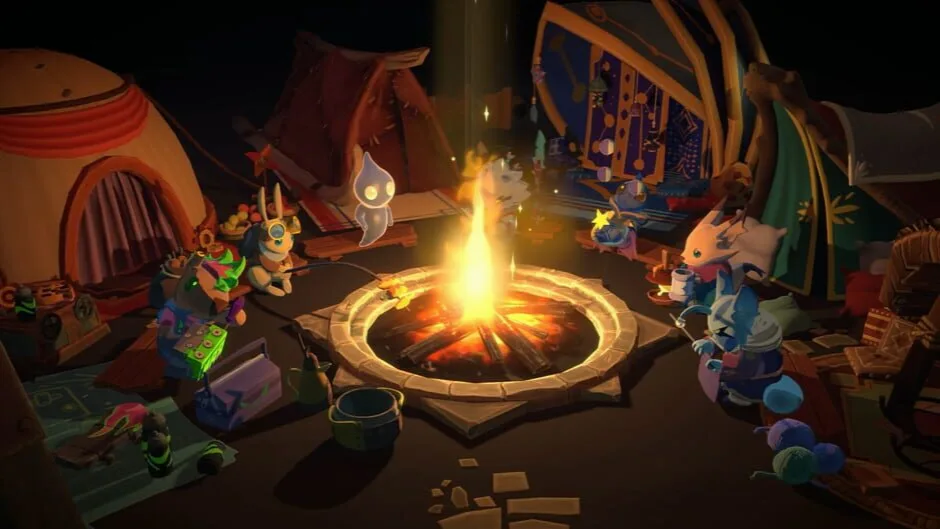
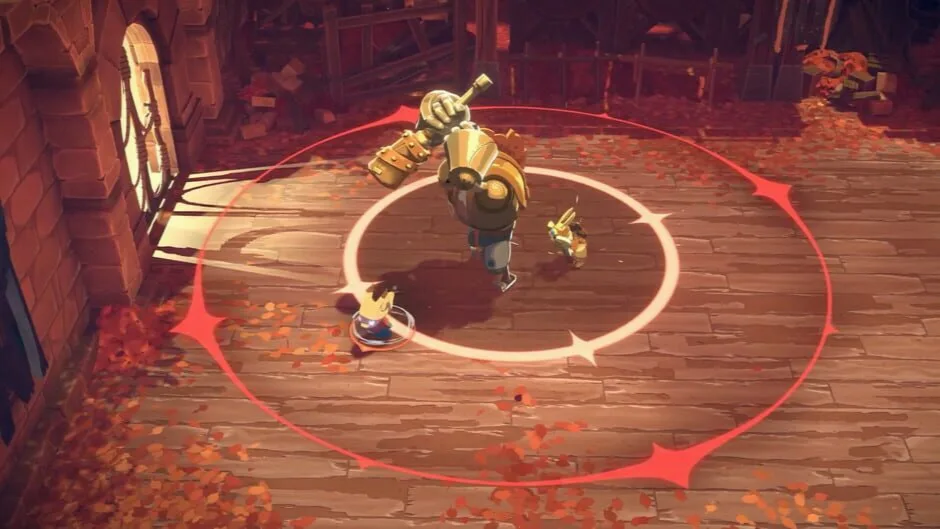
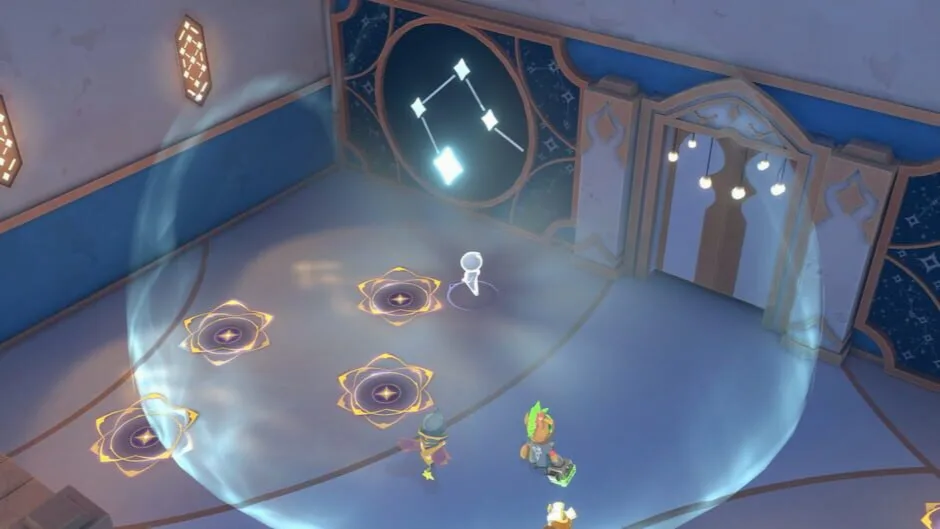

ゲームについて
孤独に蝕まれたこの世界では、友情だけが救いとなる。心温まるストーリー、バトル、そしてすべてを変える絆が詰まった、このカラフルなシングルプレイヤーARPGで、個性豊かなキャラクターたちを率いて冒険に挑もう。
- ゲームモード
- シングルプレイ
-

ESRB北米 -

PEGIヨーロッパ
コンテンツの表示項目
- ESRBT
-
- Drug Reference
- Violence
- PEGI7
-
- Violence
オリジナル版の対応言語
IGDBに登録された言語対応です。収録言語はバージョンによって異なるため、各ダウンロードをご確認ください。
- 中国語(簡体字)
- 字幕インターフェース
- 英語(米国)
- 字幕インターフェース
- フランス語(フランス)
- 字幕インターフェース
ほかの3言語を表示
- ドイツ語
- 字幕インターフェース
- イタリア語
- 字幕インターフェース
- スペイン語(スペイン)
- 字幕インターフェース
システム要件
Steamが提供するオリジナル版の動作環境です。
The Lonesome Guild
最低動作環境
- Requires a 64-bit processor and operating system
- OS: Windows 10
- Processor: Ryzen 3 1300X Core i3-6100
- Memory: 8 GB RAM
- Graphics: GeForce GTX 750 Ti Radeon RX 560
- DirectX: Version 10
- Storage: 20 GB available space
推奨動作環境
- Requires a 64-bit processor and operating system
- OS: Windows 10 or higher
- Processor: Ryzen 5 3600 Core i5-8400
- Memory: 16 GB RAM
- Graphics: GeForce GTX 1060 Radeon RX 580
- DirectX: Version 10
- Storage: 30 GB available space
バージョンとファイル
バージョンと提供元
ダウンロード前に、提供元、バージョン、収録言語を確認してください。
ダウンロード方法The Lonesome Guild: Soundtrack Edition + Bonus OST
- ダウンロード容量
- 5,0 GB
- このリパックの収録言語
- ENG/MULTI6
バージョンの詳細
提供元の補足情報
FitGirl Repacksが公開した情報を原文で掲載しています。安全性を保証するものではありません。
- Based on The.Lonesome.Guild-RUNE ISO release: rune-the.lonesome.guild.iso (10,621,845,504 bytes)
- 100% Lossless & MD5 Perfect: all files are identical to originals after installation
- Bonus OST in FLAC format ripped, NOTHING re-encoded. Bonus OST in MP3 format is included by default
- Significantly smaller archive size (compressed from 9.9 to 5 GB)
- Installation takes 5-10 minutes (depending on your system)
ほかの補足情報6件を表示
- After-install integrity check so you could make sure that everything installed properly
- HDD space after installation: 19.1 GB
- Language can be changed in game settings
- Repack uses XTool library by Razor12911
- At least 2 GB of free RAM (inc. virtual) required for installing this repack
- If the game crashes for you with “Protection Error”, edit “TheLonesomeGuild_DataPluginsx86_64steam_emu.ini” and add “SelfProtect=0” parameter after the “[Settings]” line