
NBA Playgrounds
- 発売年
- 2017
- 開発元
- Saber Interactive
- 発売元
- Mad Dog Games, LLC
スクリーンショットとトレーラー
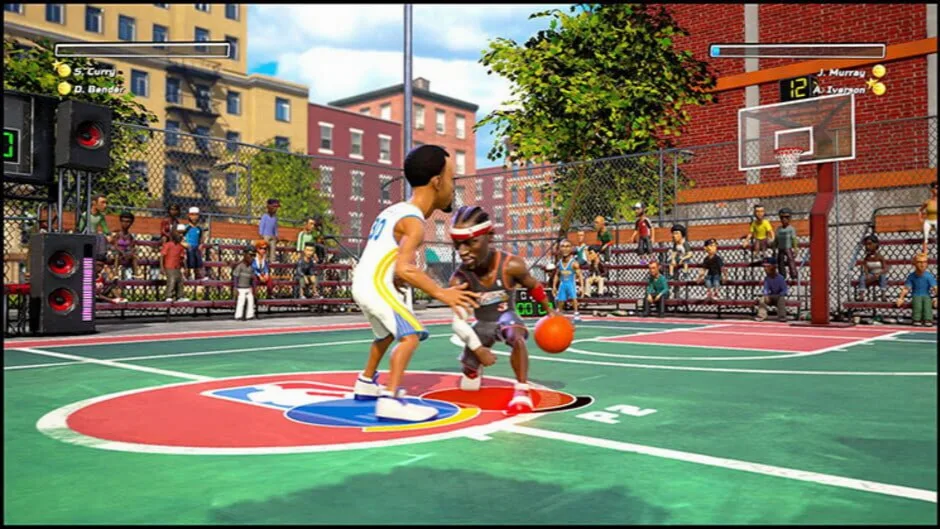
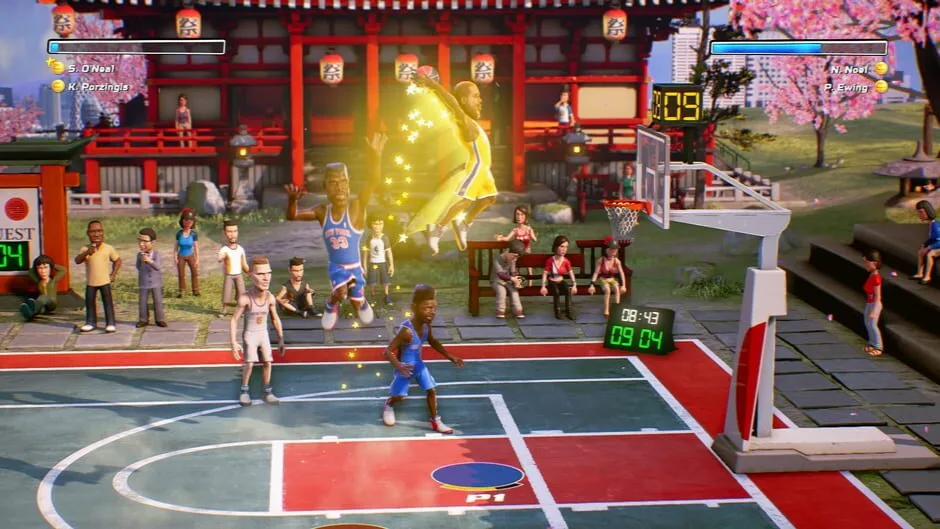
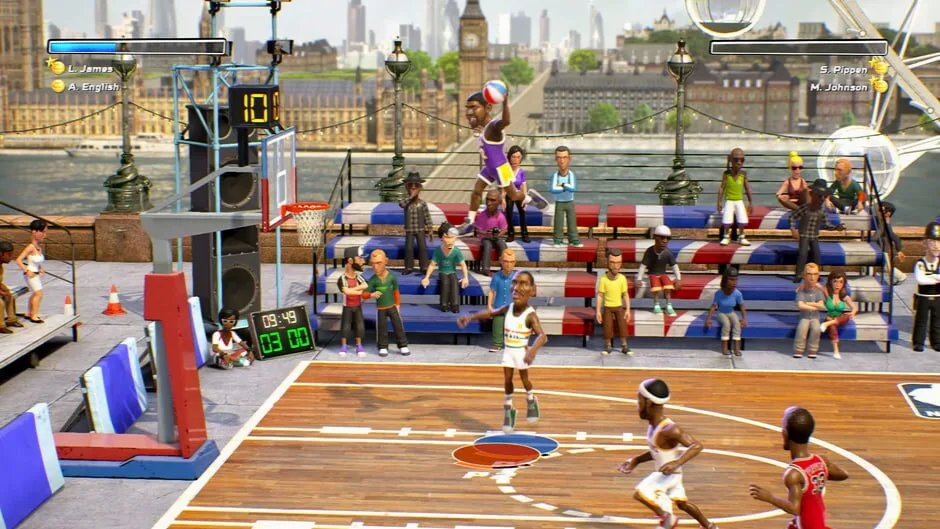

ゲームについて
-

ESRB北米 -
PEGIヨーロッパ
コンテンツの表示項目
- PEGI3
-
審査機関による説明
The content of this game is suitable for all persons.
オリジナル版の対応言語
IGDBに登録された言語対応です。収録言語はバージョンによって異なるため、各ダウンロードをご確認ください。
- 英語(米国)
- 音声インターフェース
- フランス語(フランス)
- インターフェース
- ドイツ語
- インターフェース
ほかの4言語を表示
- イタリア語
- インターフェース
- ポルトガル語(ブラジル)
- インターフェース
- ロシア語
- インターフェース
- スペイン語(スペイン)
- インターフェース
システム要件
Steamが提供するオリジナル版の動作環境です。
NBA Playgrounds
最低動作環境
- Requires a 64-bit processor and operating system
- OS *: Windows 7 64-bit, Windows 8.1 64-bit or Windows 10 64-bit
- Processor: Intel core i3 CPU 530 2.93GHz
- Memory: 4 GB RAM
- Graphics: GeForce GT 630
- DirectX: Version 11
- Storage: 7 GB available space
- Sound Card: DirectX 9.0x compatible sound card
推奨動作環境
- Requires a 64-bit processor and operating system
- OS *: Windows 7 64-bit, Windows 8.1 64-bit or Windows 10 64-bit
- Processor: Intel Core i5-4690 3.50 Ghz or better
- Memory: 8 GB RAM
- Graphics: GeForce GTX 670, similar or better
- DirectX: Version 11
- Storage: 7 GB available space
- Sound Card: DirectX 9.0x compatible sound card
バージョンとファイル
バージョンと提供元
ダウンロード前に、提供元、バージョン、収録言語を確認してください。
ダウンロード方法v1.4.0
NBA Playgrounds: v1.4.0 + 2 DLCs
- このリパックの収録言語
- RUS/ENG/MULTI7
バージョンの詳細
提供元の補足情報
FitGirl Repacksが公開した情報を原文で掲載しています。安全性を保証するものではありません。
Based on NBA.Playgrounds.Hot.N.Frosty-CODEX ISO release: codex-nba.playgrounds.iso (11,245,780,992 bytes)
2 DLCs (Hot ’N Frosty & Unlock Roster) are included and activated
100% Lossless & MD5 Perfect: all files are identical to originals after installation
NOTHING ripped, NOTHING re-encoded
Significantly smaller archive size (compressed from 10.5 to 3.5 GB)
Installation takes 7-20 minutes (depending on your system)
After-install integrity check so you could make sure that everything installed properly
HDD space after installation: 11 GB (up to ~16 GB during installation)
Repack uses ZTool library by Razor12911
At least 2 GB of free RAM (inc. virtual) required for installing this repack
To force the game language, open properties for game desktop icon and add the parameter for the NBAPlaygrounds.exe: -culture=00, replace “00” with one of the following: EN, DE, ES, IT, FR, pt_BR, RU