

Pro Cycling Manager 2024
- Sortie
- 2024
- Développeur
- Cyanide Studio
- Éditeur
- Bigben Interactive, Nacon
Images
À propos du jeu
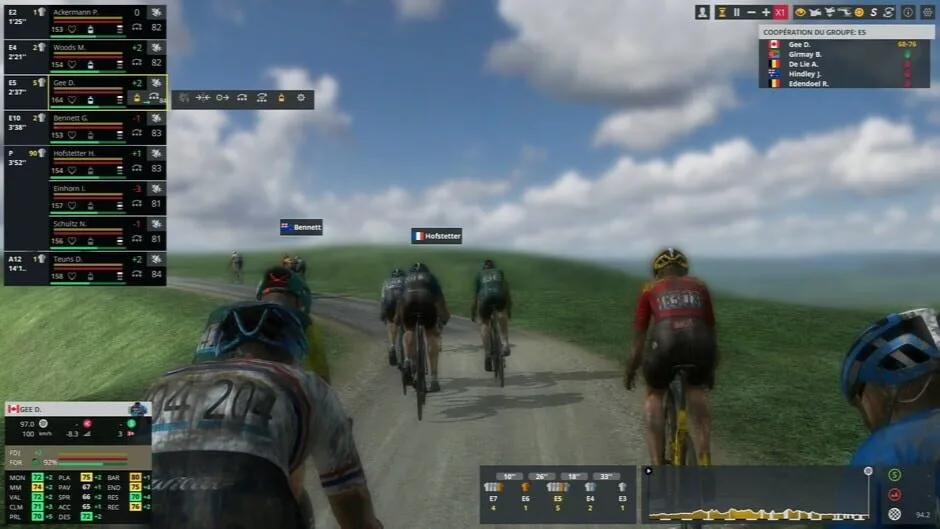
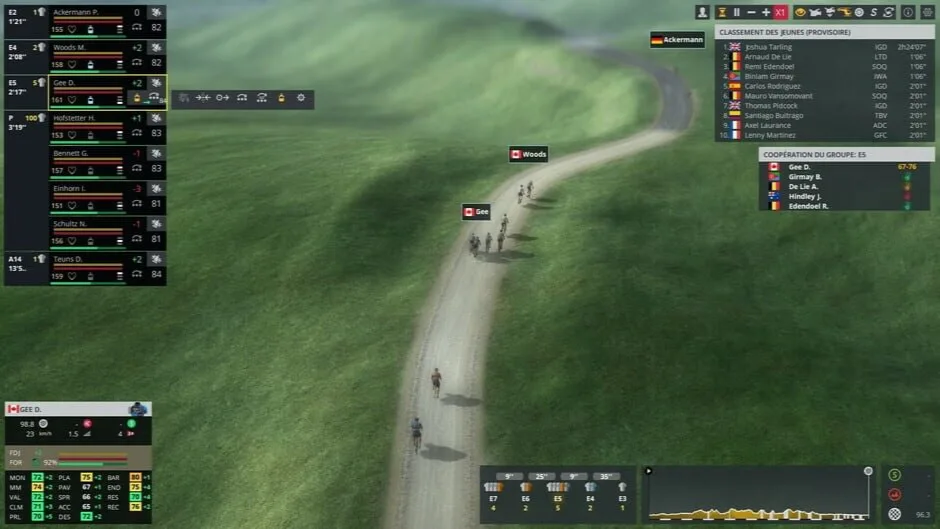
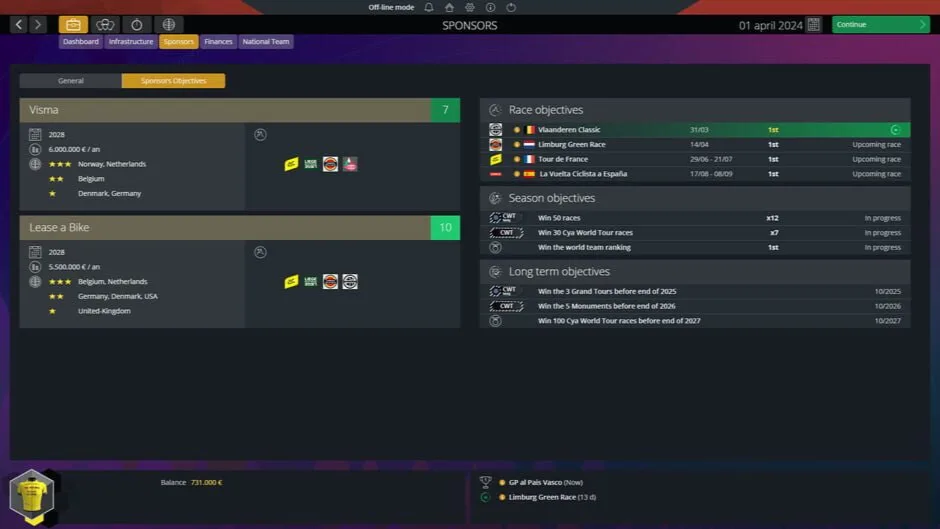
Devenez directeur sportif, participez aux plus grandes courses cyclistes du monde et menez vos coureurs à la victoire. Fixez des objectifs de course, négociez des contrats, trouvez de nouveaux sponsors et construisez votre équipe saison après saison.
- Modes de jeu
- MultijoueurSolo
Langues du jeu original
Prise en charge linguistique répertoriée sur IGDB. Les langues incluses peuvent varier selon la version : vérifie chaque téléchargement.
- danois
- Interface
- néerlandais
- Interface
- anglais (États-Unis)
- AudioInterface
Voir 6 autres langues
- français (France)
- AudioInterface
- allemand
- Interface
- italien
- Interface
- norvégien bokmål
- Interface
- portugais (Portugal)
- Interface
- espagnol (Espagne)
- Interface
Configuration requise
Configuration du jeu original fournie par Steam.
Pro Cycling Manager 2024
Configuration minimale
- Requires a 64-bit processor and operating system
- OS: Windows 10 (64-bit)
- Processor: Intel Core i3-540 or AMD Phenom II X4 940
- Memory: 4 GB RAM
- Graphics: NVIDIA GeForce GTX 650, 1 GB or AMD Radeon HD 5770, 1 GB
- DirectX: Version 9.0
- Storage: 20 GB available space
- Additional Notes: Please note that these informations aren't final and may be subject to change until the launch of the game.
Configuration recommandée
- Requires a 64-bit processor and operating system
- OS: Windows 10 (64-bit)
- Processor: Intel Core i5-11600K or AMD Ryzen 5 5600X
- Memory: 8 GB RAM
- Graphics: NVIDIA GeForce GTX 660, 2 GB or AMD Radeon HD 7870, 2 GB
- DirectX: Version 9.0
- Storage: 20 GB available space
- Additional Notes: Please note that these informations aren't final and may be subject to change until the launch of the game.
Versions et fichiers
Versions et sources
Vérifiez la source, la version et les langues avant de télécharger.
Comment téléchargerv1.5.3.155
Pro Cycling Manager 2024, v1.5.3.155 + Database/Stage Editors + WorldDB 2024
- Version du jeu
- v1.5.3.155
- Taille du téléchargement
- 15,9 GB
- Langues incluses dans ce repack
- ENG/MULTI9
Détails de cette version
Notes de la source
Informations publiées par FitGirl Repacks, dans leur langue originale. Elles ne garantissent pas la sécurité des fichiers.
- Based on Pro.Cycling.Manager.2024-SKIDROW ISO release: sr-procyclingmanager2024.iso (13,714,472,960 bytes)
- Six updates (Pro.Cycling.Manager.2024.v1.1.5.115.Update-SKIDROW, Pro.Cycling.Manager.2024.v1.1.7.120.Update-SKIDROW, Pro.Cycling.Manager.2024.v1.3.1.131.Update-SKIDROW, Pro.Cycling.Manager.2024.v1.3.2.137.Update-SKIDROW, Pro.Cycling.Manager.2024.v1.4.1.141.Update-SKIDROW & Pro.Cycling.Manager.2024.v1.5.3.155.Update-SKIDROW) applied over
- Pro.Cycling.Manager.2024.Stage.and.Database.Editor-SKIDROW (999 MB) added
- Pro.Cycling.Manager.2024.WorldDB.2024.DLC-SKIDROW (18.9 GB) added
- Game version: v1.5.3.155
Afficher 12 notes supplémentaires
- 100% Lossless & MD5 Perfect: all files are identical to originals after installation
- NOTHING ripped, NOTHING re-encoded
- Selective Download feature: you may skip downloading and installing of French voiceovers, Stage & Database Editors and WorldDB 2024 database
- Be advised that WorldDB 2024 is installing to a system user folder, usually located on a default C: drive and takes 23.7 GB of space
- Significantly smaller archive size (compressed from cumulative 32.8 to 5.9~15.9 GB, depending on selected components)
- Installation takes from 8 minutes (32-threads CPU + SSD, no optionals) up to 70 minutes (4-threads CPU + HDD, all optionals)
- After-install integrity check so you could make sure that everything installed properly
- HDD space after installation: up to 21.5 GB (+23.7 GB on a system drive if WorldDB is installed)
- Language can be changed by editing “steam_api.ini” file
- Repack uses XTool library by Razor12911
- At least 2 GB of free RAM (inc. virtual) required for installing this repack
- If the default “PCM64.exe” doesn’t work for you properly (say, language change doesn’t work), try “PCM64_Launcher.exe” instead